Trace
How much Memory you hear, from none to dense.
 get lq-trace
lowquo’s first VST3 + Audio Unit plug-in
memory + space
It remembers what you played, then lets it bloom. A granular memory and reverb effect that catches fragments of your sound and gives them room to linger.
Version 1.0 · macOS 11+ · Apple silicon · VST3 + Audio Unit
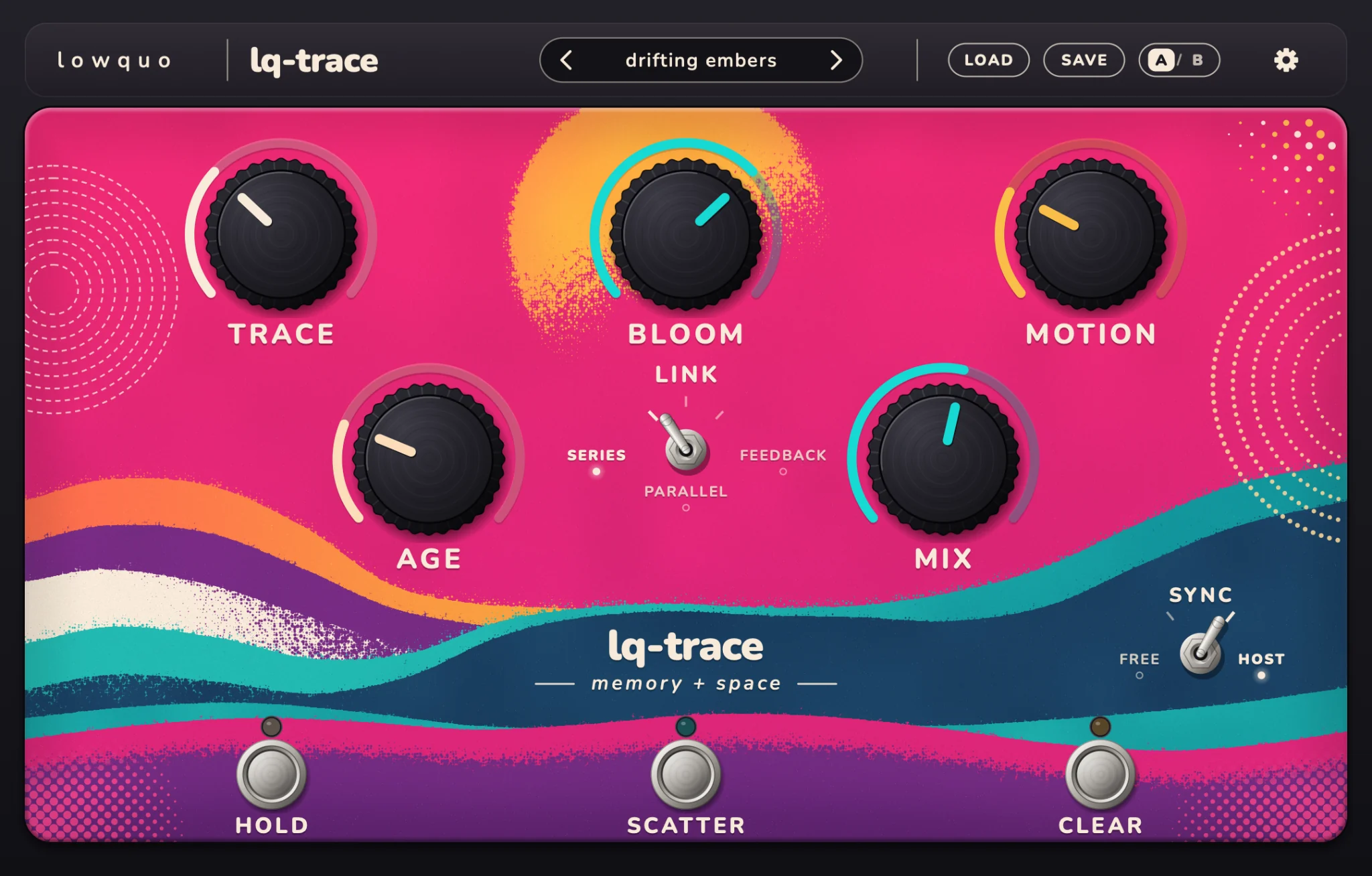
01 / Memory
Memory keeps the last eight seconds of audio passing through lq-trace and plays pieces back as overlapping grains.
Hold onto a rhythm. Let longer fragments drift. Break a sound into sparse little flurries.
Right-click Trace to choose the Memory character.
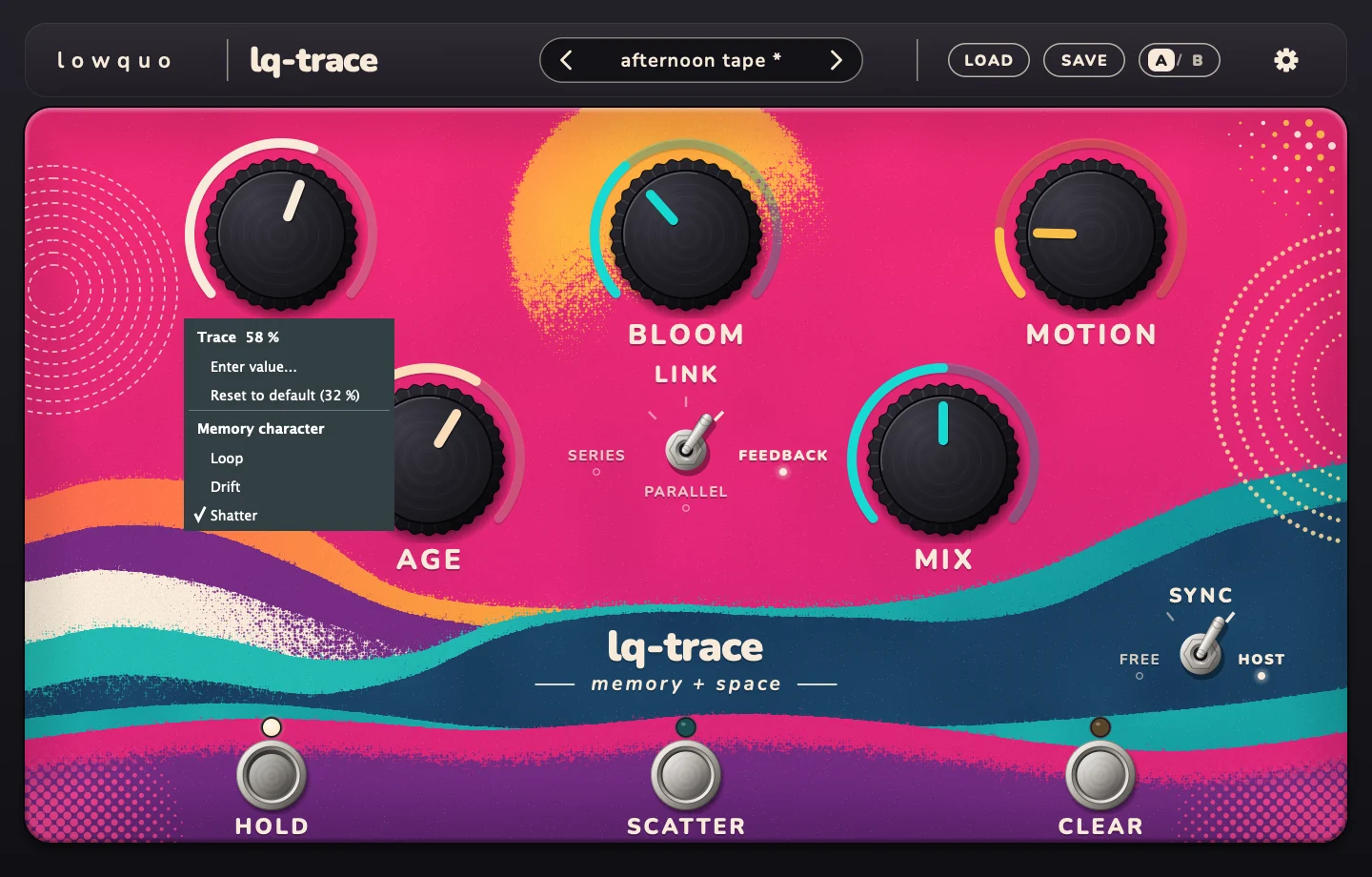
02 / Space
Space takes the sound from a short room to a reverb tail of around 30 seconds. Settle behind the original or let it become an atmosphere of its own.
Right-click Bloom to choose the Space character. Three Memory characters × three Space characters: nine pairings.
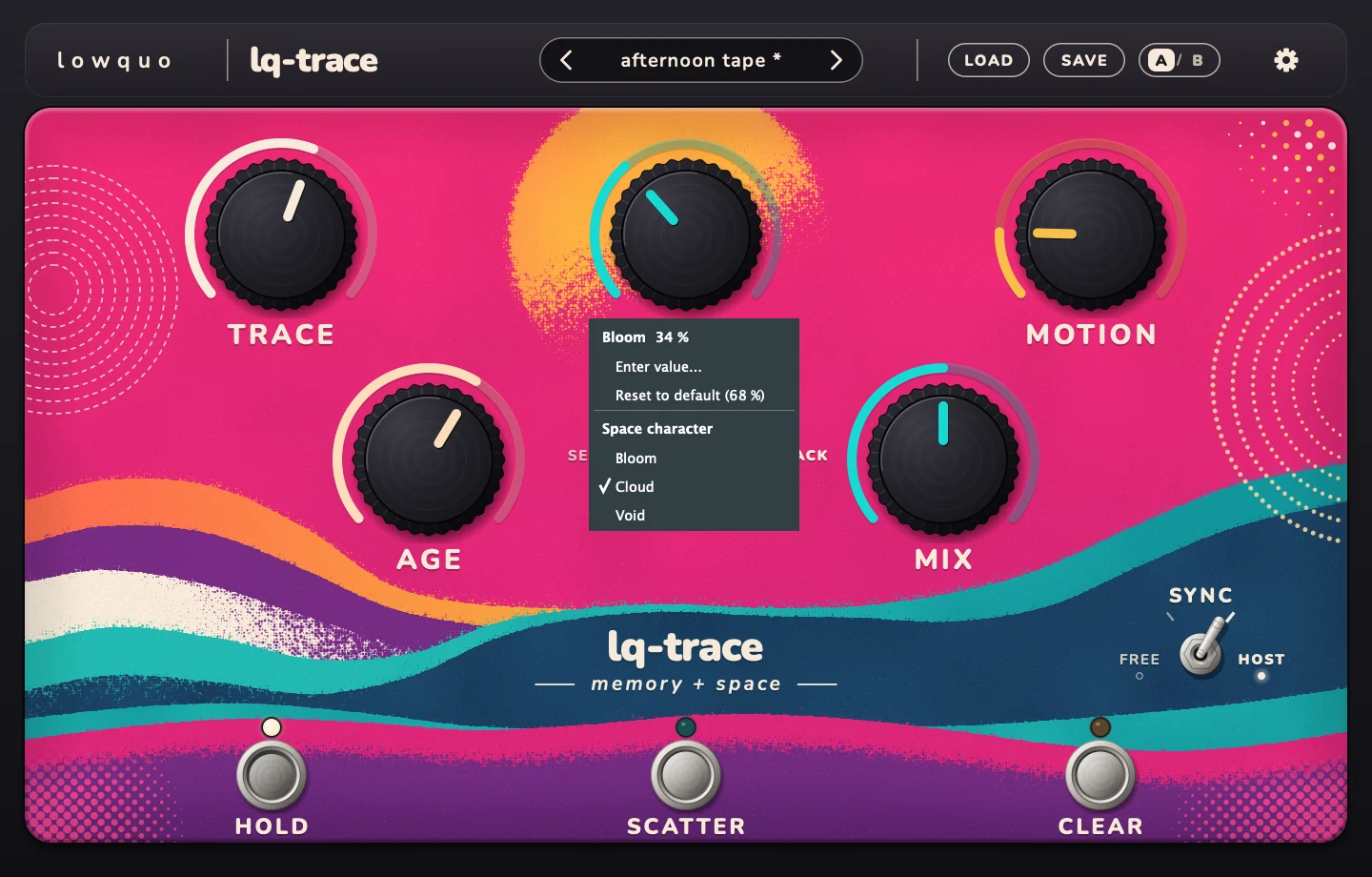
03 / Shape + play
One screen, with the main controls close at hand. A few turns take you from a subtle layer to something much less expected.
How much Memory you hear, from none to dense.
The size and length of the space.
How much the texture, pitch and pan wander.
From clean and bright to dark, damped and worn.
The balance of original and effected sound.
Freeze Memory and keep what it caught playing. Stay with a fragment for as long as you like.
Break the fragments into short, fast pieces while you hold the switch down.
Forget the captured Memory and make room for whatever you play next.
Run freely or sync to the host. Every control is automatable. Fully dry, your signal passes through unchanged, with zero latency.
04 / Link the engines
The Link lever changes the relationship between Memory and Space. Switch paths without clicks or cutting off the tail.
Fragments feed the reverb. A diffused record of what you played.
Fragments and reverb sit side by side, both keeping their identity.
Reverb returns to Memory, then gets replayed and reverberated again. This is where it gets strange.
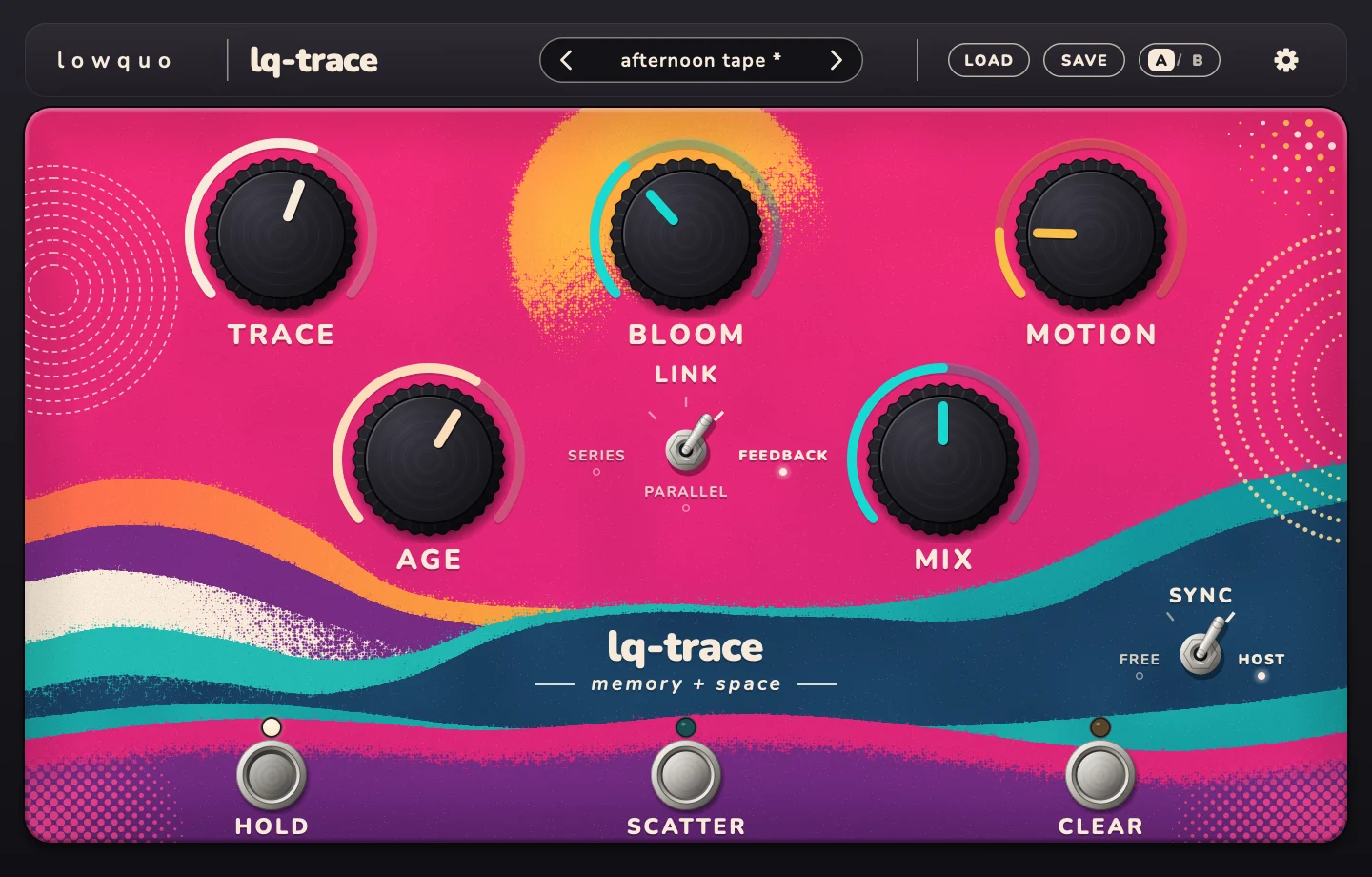
05 / Find a starting point
Start with a factory preset, turn a few knobs and follow what happens. Compare ideas with A/B and save your own settings.
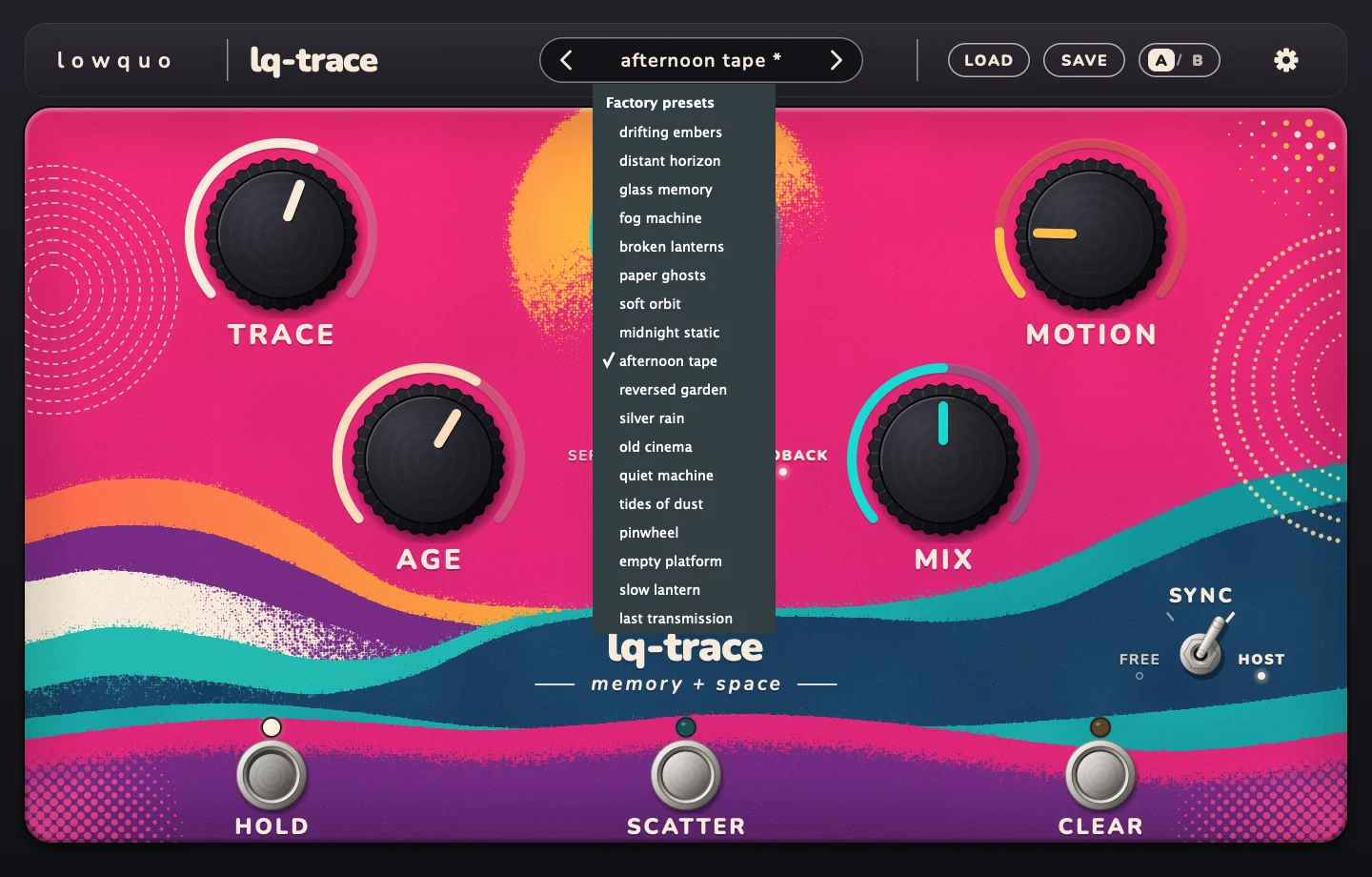
Resize the interface from 75% to 150% to suit your screen.
The practical details
This release does not include Intel Mac or Windows builds.
No. It’s an audio effect that works on incoming sound. Add the VST3 or Audio Unit to a compatible track in your DAW, then feed it a synth, guitar, voice, loop or another audio source.
No. This release is for Apple silicon Macs, M1 or newer, running macOS 11 or later. A Windows version is not included.
Hold freezes the captured Memory so its contents can keep playing. That captured audio is not saved with your DAW project. Record or render the output if you want to keep a particular moment.
Yes. Every control is automatable. Sync follows the host tempo, or you can switch to free-running timing.
Yes. lq-trace is free, with an optional pay-what-you-want contribution if you’d like to support the next lowquo release.
lq-trace 1.0 / memory + space
Granular Memory. A very large room.
lowquo’s first VST3 + Audio Unit effect.
Free.
Pay what you want if you’d like to support the next one.
get release updatesThe direct download link will be added here. Subscribe for release news and product updates in the meantime.
macOS 11+ · Apple silicon · VST3 + Audio Unit host required
Audio captured by Hold is not saved with your project. VST is a registered trademark of Steinberg Media Technologies GmbH. Audio Units is a trademark of Apple Inc.
stay in the loop
New releases and useful product updates from lowquo.
Sign up on Gumroad. Unsubscribe anytime.